How to Change the DS-160 Number on Your Visa Appointment (2026)
The DS-160 number on your visa appointment must match the confirmation page you bring. How to update it, the 3-business-day deadline, the one-change limit and what to do if it fails.
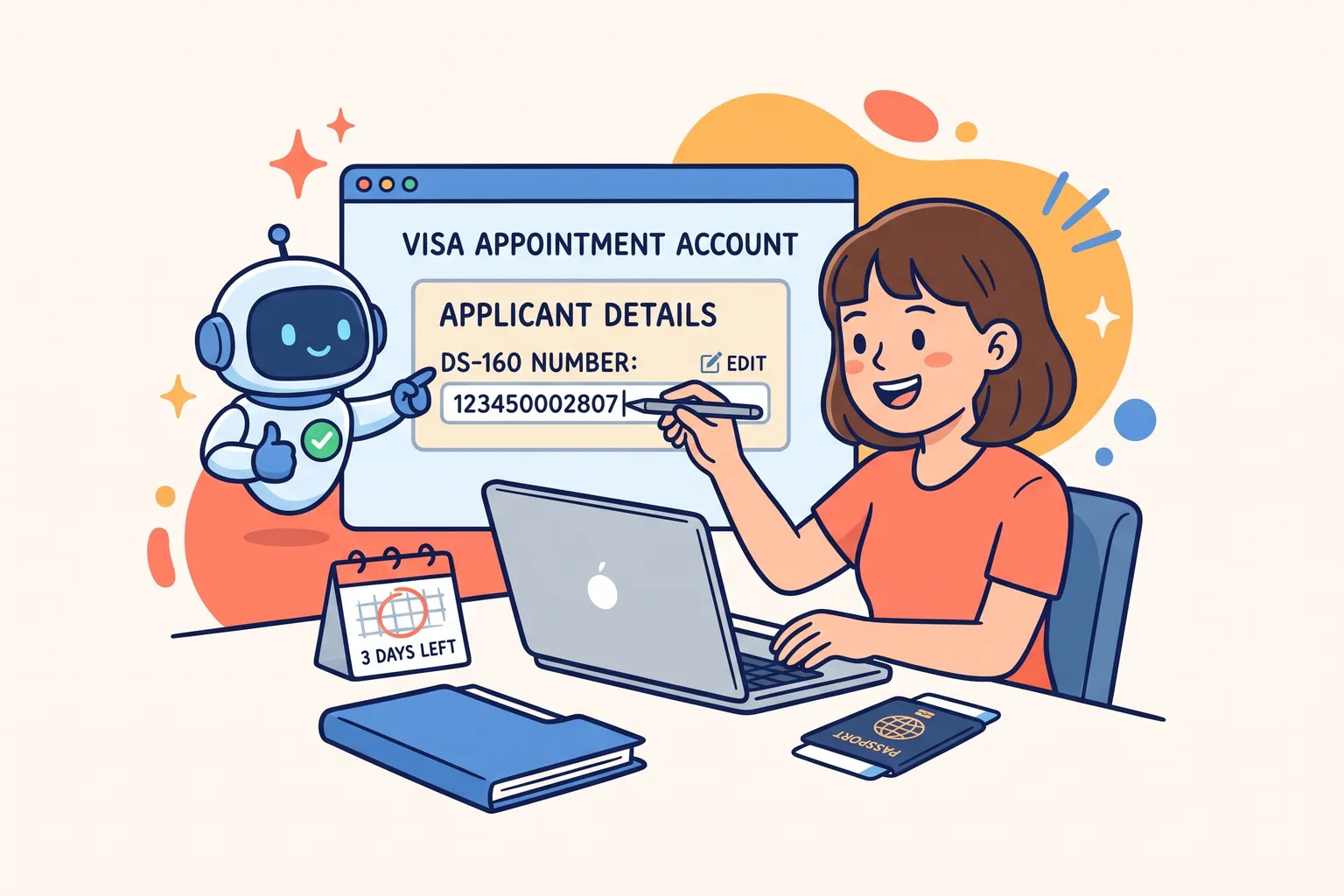
How to Change the DS-160 Number on Your Visa Appointment
If you completed a new DS-160 after booking your visa interview, or typed the wrong number when you booked, the confirmation number on your appointment no longer matches the DS-160 you will bring. Since May 2025 that mismatch can cost you the interview.
This guide covers the rule, the steps to fix it and the limits that catch people out. Not sure you need a new DS-160 at all? The free Do I need a new DS-160? checker answers that first.
The rule: the numbers must match
The U.S. visa appointment service FAQ says applicants interviewing at any consular section must present a DS-160 confirmation number that matches the one used to schedule their appointment. The appointment service in Mexico announced the requirement for interviews from May 1, 2025, and the U.S. Embassy in Mexico says its policy “follows global guidance for all U.S. Embassies”.
If the numbers do not match when you arrive, you will not be able to attend the interview: you will have to reschedule and may have to pay the visa fee again.
How to change it
On the official appointment site, the steps are:
- Sign in to your account at ais.usvisa-info.com.
- On the “Applicant Summary” page, click the gear icon next to the applicant and choose “Edit”.
- Replace the “DS-160 Number” with the complete confirmation number, exactly as it appears on your new confirmation page.
- Click “Save”.
You keep your existing appointment. You do not need to cancel it.
The appointment service shown here covers many countries but not all of them. If your country uses a different scheduling site, look for the same setting there, and check the website of the embassy or consulate where you will interview.
The limits to know
- At least 3 business days before the interview. After that, the number cannot be updated without booking a new appointment.
- One change. The DS-160 number can be updated once. If you need to change it again, contact your appointment service’s support centre.
- Your fee has its own clock. A visa fee is valid for one year for booking an appointment. The appointment service in Mexico warns that if your fee was paid more than 365 days ago and you did not update the number in time, you will have to pay it again.
- Someone else booked it? If a travel agency or visa service booked your appointment, you are still responsible for the number in the account. Ask them to update it, and check it yourself.
If the update is refused
The appointment service explains its two most common error messages:
- “Not successfully submitted” or the details do not match. Make sure you actually submitted the new DS-160 (you have its confirmation page). Then check that the passport number, date of birth, visa class and names in your appointment account match what you entered on the DS-160 exactly.
- “Already used to apply for a visa”. That confirmation number belongs to an earlier application and cannot be reused. Complete a new DS-160 and use its number.
Some details in the account cannot be fixed by you: after you pay, the name, date of birth, country of birth and passport country are locked. If one of those is wrong, contact the support centre. The passport number can be changed once.
Before you change anything
Make sure the new DS-160 is the one you want to bring: a submitted DS-160 cannot be edited, so check every answer before you submit it. Our guides to fixing a mistake after submitting and to a new passport after submitting cover the cases that most often lead here.
DS160.io checks your answers before anything is filed and gives you the confirmation page to bring. Filing is free.
This article is general information from official U.S. government sources, not legal advice. Your embassy or consulate decides your case.