New Job, I-797 or I-20 After Submitting Your DS-160? (2026)
Changed employer, received a new I-797 petition approval or a new I-20 after submitting your DS-160? What official guidance says and how to keep your application consistent.
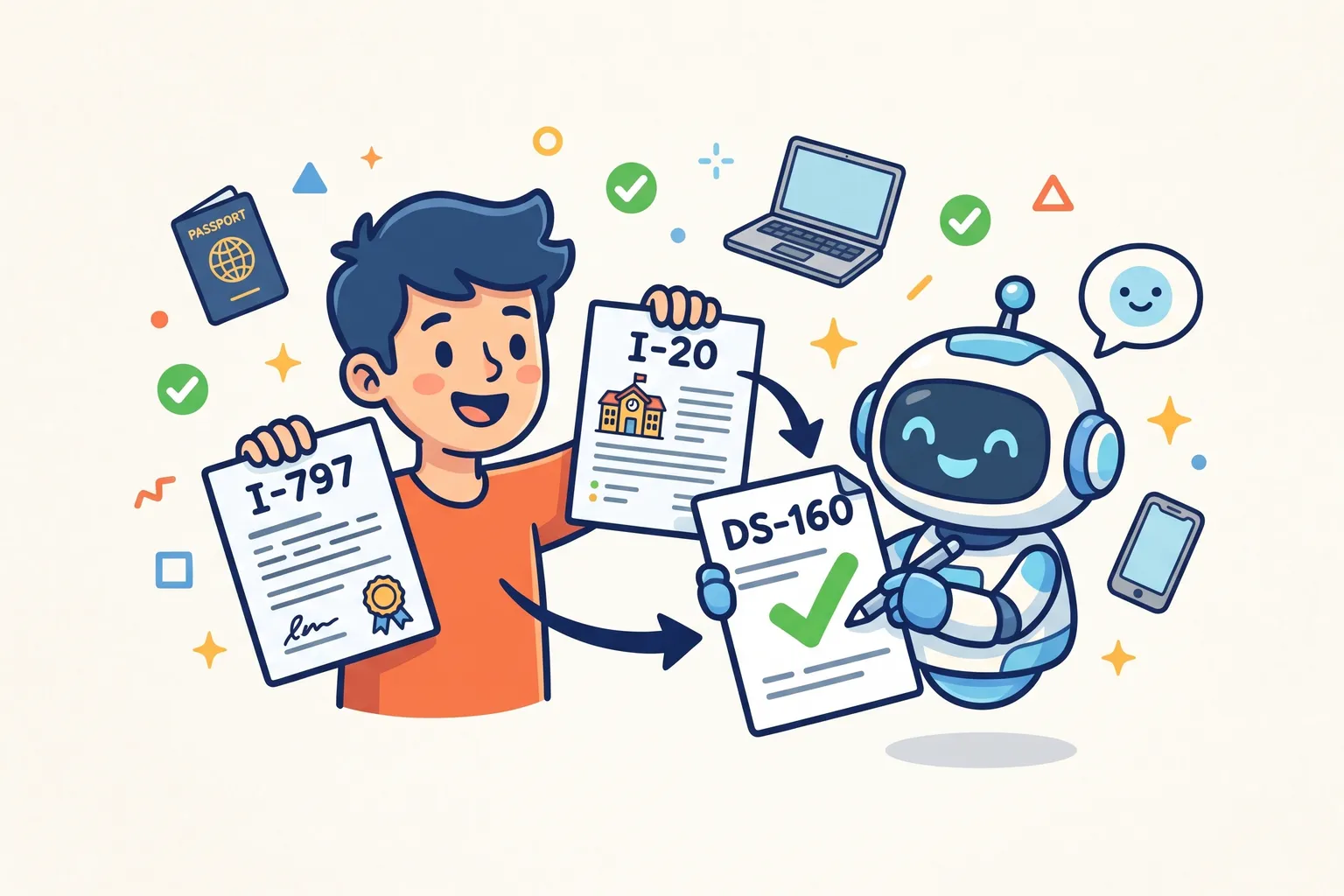
New Job, I-797 or I-20 After Submitting Your DS-160?
Plans change between submitting a DS-160 and sitting the interview. You accept a new job offer, your employer files a new petition and you receive a new I-797 approval notice, or your school issues a new I-20 or DS-2019. The DS-160 you submitted describes the old situation.
This guide explains what official U.S. government guidance says and the steps that keep your application consistent. For an answer to your own case, the free Do I need a new DS-160? checker shows its result with the official sources behind it.
Why these changes matter on the DS-160
The DS-160 asks about exactly these things. Depending on your visa it records your current employer and job, the petition receipt number and petitioner for work visas such as H, L, O, P and R, and your school and SEVIS ID for F, M and J visas. When one of those changes, the answers on your submitted DS-160 are out of date.
What official guidance says
- A submitted DS-160 cannot be changed. The U.S. Embassy in Vietnam says: “You cannot make changes to the DS-160 once you have submitted it. You will need to fill out a new DS-160.”
- A submitted DS-160 stays usable only while it is accurate. The U.S. visa appointment service FAQ says submitted DS-160 forms do not expire and can be used months later, “if the information entered on the form is still valid”.
- The number on your appointment must match. If you complete a new DS-160, its confirmation number has to replace the old one in your appointment account, at least 3 business days before the interview. You can make that change once without cancelling.
Put together: if your employer, petition or school details on the DS-160 are no longer true, completing an updated DS-160 is the safer path.
How to update it
- On the official DS-160 site, choose “Retrieve Application”, enter your previous application ID and choose “Create a New Application”, as the State Department’s DS-160 FAQ describes. Your earlier answers fill in.
- Update the employment, petition or school pages, then check every other page: the State Department asks you to make sure everything carried over is current and accurate.
- Submit and keep the new confirmation page.
- Put the new confirmation number on your appointment. Our guide to changing the DS-160 number on your appointment has the steps and the limits.
If your interview is fewer than 3 business days away, it is too late to change the number without rescheduling. Contact your appointment service’s support centre before the interview.
What the DS-160 cannot answer
Whether a new job or a new petition changes your eligibility for the visa itself is a different question, and it is not one the DS-160 or this guide can settle. If your change affects the basis of your visa (a different employer for a petition-based visa, a different program for a student or exchange visa), check with the employer, school or program that issued your documents, or a qualified immigration professional, and follow the instructions of the embassy or consulate handling your application.
Check your own situation
The free Do I need a new DS-160? checker asks what changed, where you are in the process and where you are interviewing, and shows the official guidance behind its answer.
When you complete the updated DS-160, DS160.io guides you through every question in your language and checks your answers before anything is filed. Filing is free.
This article is general information from official U.S. government sources, not legal advice. Your embassy or consulate decides your case.